

Automatically Suggest the Next Stop "UPWARD Geo AI Scheduler"
Salesforce data at
is used to determine tomorrow's visit locations.
Based on Based on customer, opportunity, and activity data stored in Salesforce,
we identify potential visit targets and and propose .
We have specialized in field sales for 10 years. Approximately 450 companies have implemented UPWARD (as of June 2026).





































Whether my schedule is not whether your schedule is full, but
but rather, how many of them I’m actually meeting.
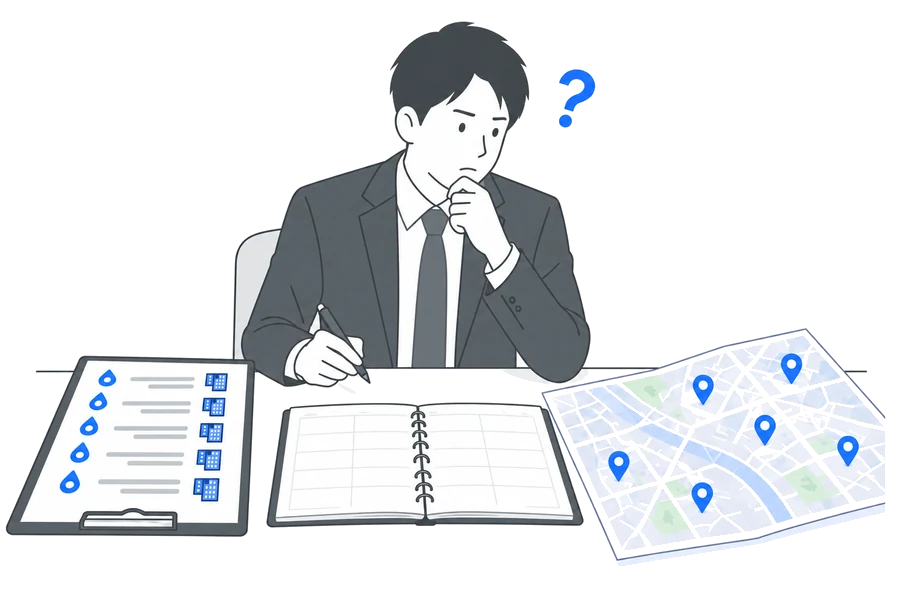
This is the visit schedule created in the same week by three people who are in charge of the same area, all using the same Salesforce instance.
-
Person A reviews each Salesforce entry one by one to make a decision 8 entriesThe transaction amounts for the 80 companies transaction amounts and the dates of my last visits one by one to compare them, and selected for that week.Your approach is correct, but since it takes time to select
, the number of
you can visit won't increase. -
Visited Mr. B as per the handover sheet 6 visitsSince I'm not familiar with I’m not familiar with this area, so I’m going to start with the top six companies I simply added the top six companies exactly as they were listed.While this isn't wrong,
running through the list in the order shown is
not the most efficient way to do it. -
Person C only visits the places they usually go to 10 entriesIt's easy to talk to them, and and since I can always see them whenever I go, I keep going back to the place . I visited 7 out of 10 companies I visited last month as well.Although it has the most views, there is still room for growth even on sites with only a loose connection to
, such as
.
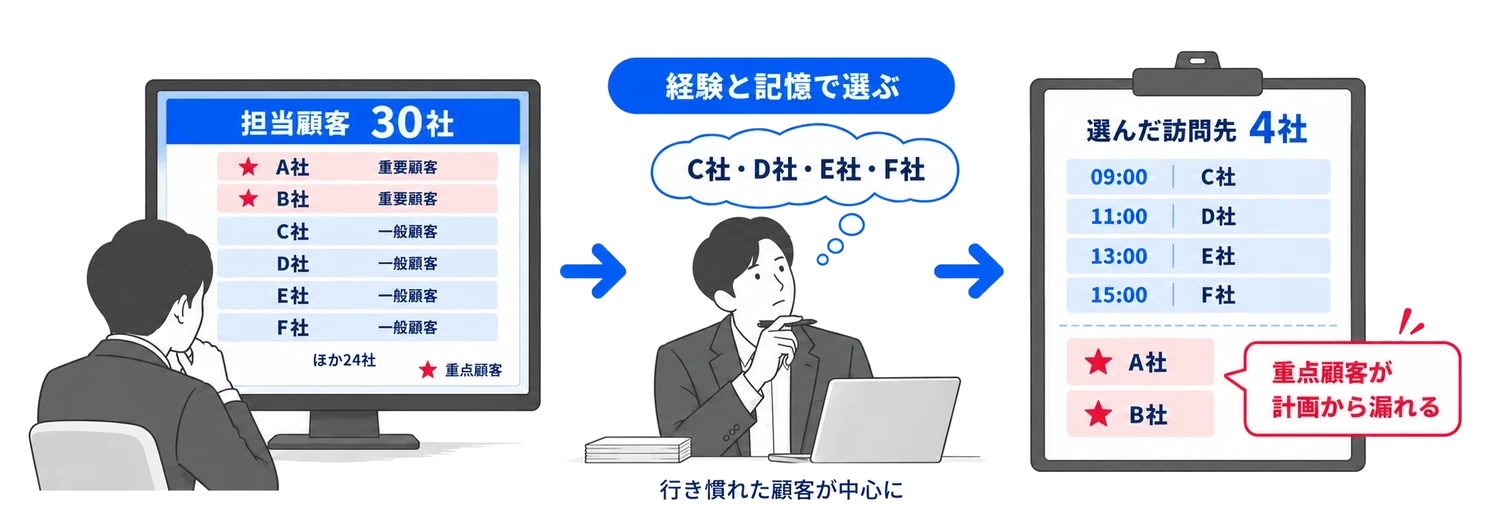
The reason the three of them went to different places was which location to prioritize, based on the staff member’s memory and experience based on their memory and experience.
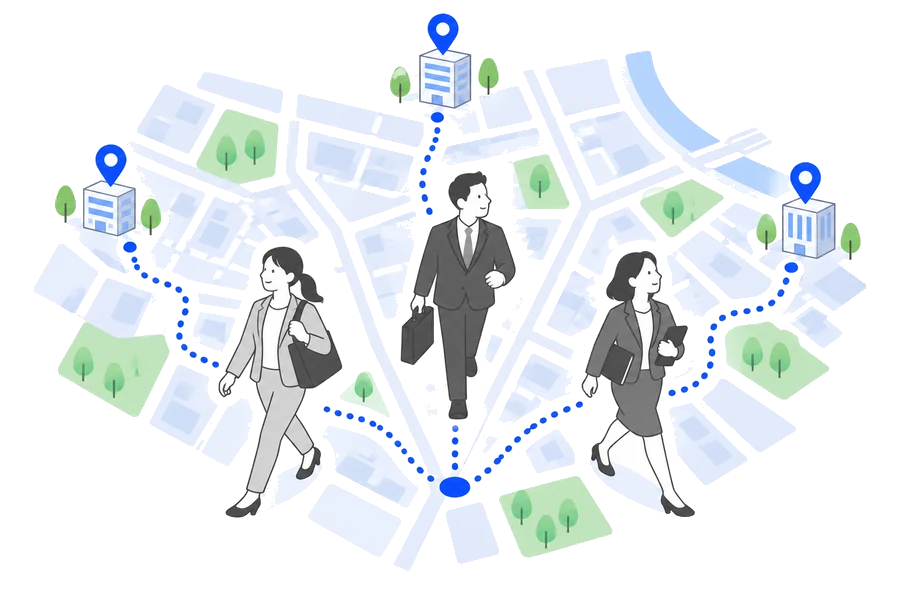
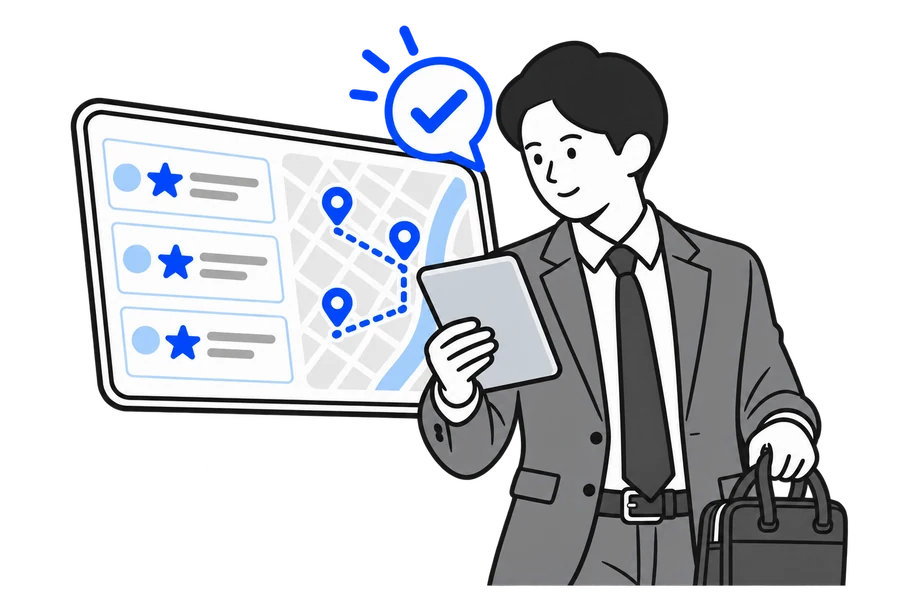
With the UPWARD Geo AI Scheduler, it identifies identify priorities. "Which customers I should meet,”
"In what order should I visit them be the most efficient?" We’ll propose a visit plan to help you plan your visits.
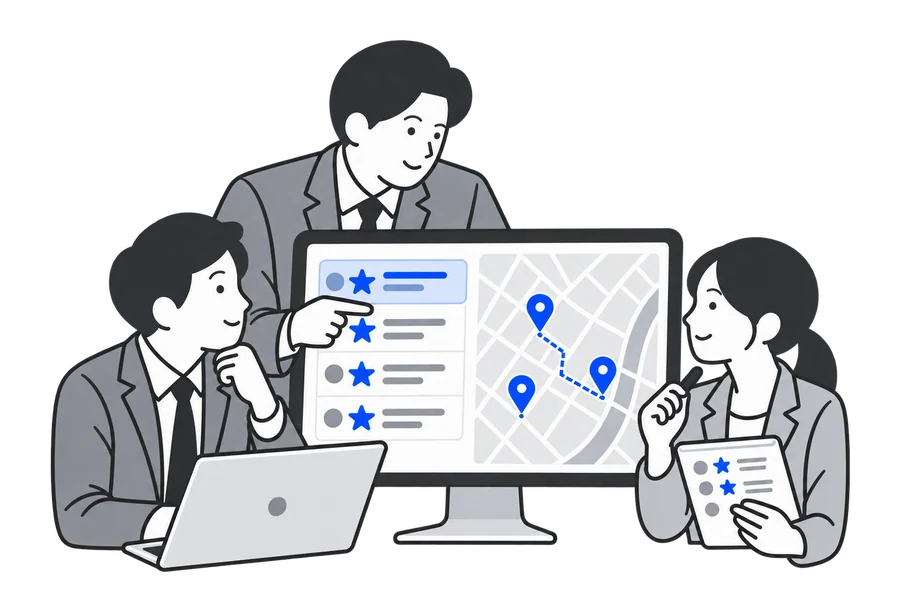
- 1Select a map and time period Select
Open the AI Schedule, a map showing the locations to visit, and the time period for which you want to create the plan . You can plan for just one day, or a whole week at a time— .
- 2Select the items you want to prioritize Select
Number of days since the last activity number of days since the last activity, or annual sales, etc., from Salesforce fields, you can from Salesforce fields,such as the number of days since the last activity
- 3Determine the conditions for travel Determine
Means of transportation, Per visit visit duration per visit, and the departure and arrival locations in advance.
- 4Click “Create Tentative Schedule” Click "Create Tentative Schedule"
Already scheduled scheduled events as is, and schedule them a tentative schedule will be scheduled. The person in charge will review it and schedule an appointment.
No matter who is in charge, you’ll be able to you’ll be able to reach them.
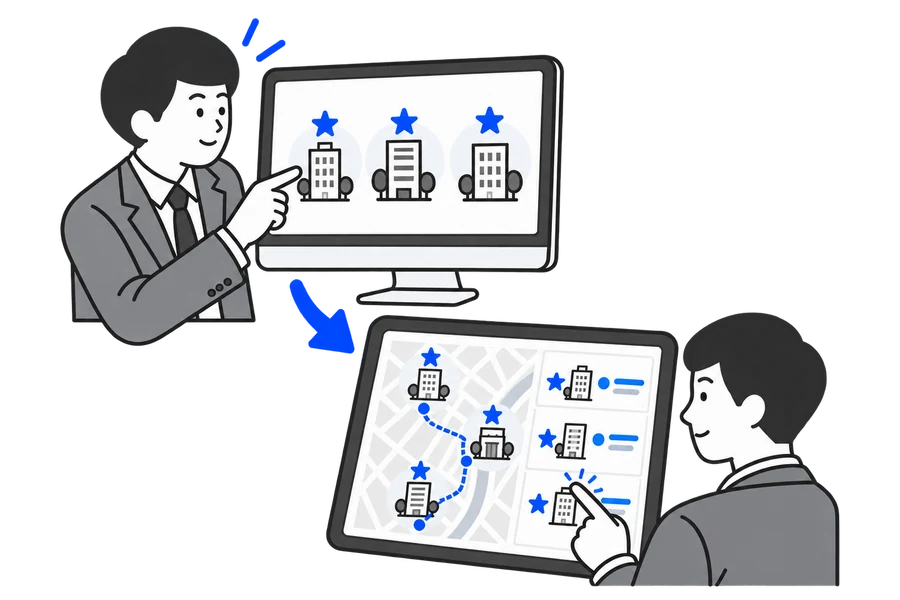
On the left is how things are currently done in many sales organizations. On the right is how things change when using an AI scheduler.
-
Current Approach
 Who to meet, based on based on their individual experience.
Even within the same area, depending on the agent, the places they visit will vary.
With the AI scheduler, What Will Change
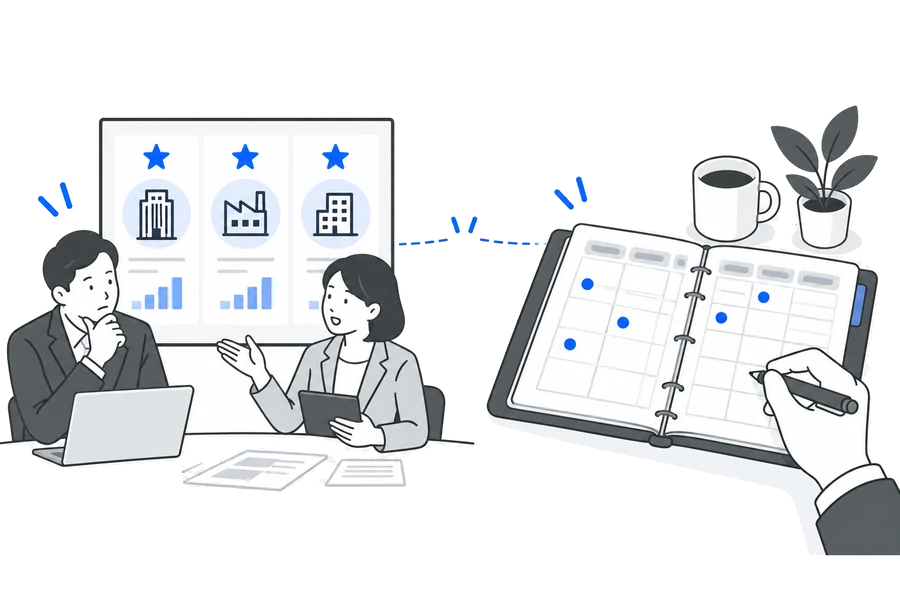
All team members, can choose select client sitesAI evaluates business partners assigns , so anyone who looks at it the same priority regardless of who is viewing them.
-
Current Approach
The priority locations determined by headquarters are not included in the field visit plans
Even if the priorities are even if they are shared at meetings, the daily visit locations are decide on their own.
With the AI scheduler, What Will Change
The headquarters' priority locations are potential visit locations potential visit candidatesPrioritize reflected in factors such as , they will be .
-
Current Approach
After a transfer or change in responsibilities, based on the handover checklist, I’m putting together based on the handover sheet
Based on the company name and address, start by from the very beginning .
With the AI scheduler, What Will Change
Even if the person in charge changes, we’ll plan your visit visit plans based on the same standardsFrom the very day I took over, based on Salesforce data, you can based on Salesforce data.
UPWARD's AI is connected. The data used by the AI scheduler is also stored in Salesforce via
AI.
AI can also streamline the management of visit histories and meeting details at log.
-
Save what you said to Salesforce
UPWARD AI Speech
When you arrive at your destination, I recommend starting the recording, and it stops automatically when you leave.
The AI summarizes the conversation and organizing it into sections such as “Customer Challenges” and “Next Steps,” and even .For example, When we discussed it at the client’s office, "I’ll bring a quote next time," appears . Since the visit’s “ log” is also recorded, the AI scheduler will see "Date of Last Visit" will be accurate.
-
Save what you see to Salesforce
UPWARD AI Scan
On-site signs, handwritten application forms, machine nameplates.
Just take a photo, and the AI reads each item, and enters them—along with the location where the photo was taken— entered into Salesforce.For example, I took a photo of the construction project announcement sign. The building owner, contractor, and scheduled start date, along with the location where the photo was taken entered into Salesforce. This information serves as a basis .
Based on the information stored in Salesforce, it suggests candidates for your next visit.
From AI that collects on-site information to AI that transforms that information into sales activities.
Here’s an .
As part of our efforts to support , we introduce .
Here's how you can use it when referring to "our sales team."
Even for the same function, the way to determine “who to meet with” varies depending on the industry.
-
Residential Equipment and Building Materials Visiting Distributors, Contractors, and Retailers
Area SalesTurn aimless field visits into purposeful ones:I have many clients in my assigned area, and so I sometimes make rounds without appointments This is the team. This includes clients where business is increasing, as well as those we haven’t visited in a while, the AI assigns priorities and suggests them as candidates.
View Industry Reports -
Insurance Sales representatives who visit agencies, and
agents who visit individual customersEven if I have a lot on my plate,
I can work my way through the tasks in the order they need to be done.Depending on the agency in charge or a large number of clients, so the order of visits varies depending on the representative. Based on the contract status and the number of days since the last visit, I prioritize .
View Industry Reports -
Finance (Banks and Credit Unions) Account Executive responsible for several hundred companiesYou won't have to rearrange your visit plans for
every time you move.We handle several hundred client companies, and and there are regular transfers. Depending on the size of the transactions and the date of the last visit, I reorganize them so that so that I can start visiting them right from day one.
View Industry Reports -
Real Estate Sourcing Sales: Visiting Landowners and Real Estate AgentsYou can use the data at
to decide where to go on a spontaneous trip.The focus is on developing new business, and and deciding which areas to visit tends to depend on the sales representative’s intuition. Based on past interactions logand the status of the deal, the AI will determine xml-ph-0000@deepl.internal andthe status of the deal,
View Industry Reports -
Food Visiting mass-market retailers and restaurants
Route Sales and Field Sales RepresentativesEven if there are a lot of stores, you can start with the ones you should visit:One person is responsible for dozens of stores, and so the order of their rounds tends to become fixed. Based on the number of days since the last visit and the status of business negotiations, I to determine which stores to visit that day.
View Industry Reports -
Residential Equipment and Building Materials Visiting Distributors, Contractors, and Retailers
Area SalesTurn aimless field visits into purposeful ones:I have many clients in my assigned area, and so I sometimes make rounds without appointments This is the team. This includes clients where business is increasing, as well as those we haven’t visited in a while, the AI assigns priorities and suggests them as candidates.
View Industry Reports -
Insurance Sales representatives who visit agencies, and
agents who visit individual customersEven if I have a lot on my plate,
I can work my way through the tasks in the order they need to be done.Depending on the agency in charge or a large number of clients, so the order of visits varies depending on the representative. Based on the contract status and the number of days since the last visit, I prioritize .
View Industry Reports -
Finance (Banks and Credit Unions) Account Executive responsible for several hundred companiesYou won't have to rearrange your visit plans for
every time you move.We handle several hundred client companies, and and there are regular transfers. Depending on the size of the transactions and the date of the last visit, I reorganize them so that so that I can start visiting them right from day one.
View Industry Reports -
Real Estate Sourcing Sales: Visiting Landowners and Real Estate AgentsYou can use the data at
to decide where to go on a spontaneous trip.The focus is on developing new business, and and deciding which areas to visit tends to depend on the sales representative’s intuition. Based on past interactions logand the status of the deal, the AI will determine xml-ph-0000@deepl.internal andthe status of the deal,
View Industry Reports -
Food Visiting mass-market retailers and restaurants
Route Sales and Field Sales RepresentativesEven if there are a lot of stores, you can start with the ones you should visit:One person is responsible for dozens of stores, and so the order of their rounds tends to become fixed. Based on the number of days since the last visit and the status of business negotiations, I to determine which stores to visit that day.
View Industry Reports
Scroll left and right to view other industries.
*These are examples of how the service is used in various industries. They do not represent the specific implementation details of any particular customer. The links lead to industry-specific usage guides (downloadable materials).
Using your company's Salesforce, let's work together to determine the criteria for selecting
visit locations.
-
Request a free demo
You can see how visit plans are created on an actual screen at
. We’ll work with you right then and there to see if this will be effective for your company’s sales team at
.- Customers who have an active UPWARD subscription,
You can also check whether it's available under your current contract. - Even if you haven't decided on the order of your visits yet,
Let's work through the decision-making process together. - We'll also explain how to verify the results after implementation.
- Customers who have an active UPWARD subscription,
-
Download info pack
UPWARD's service overview brochure (PDF) . Please please share this within your company so you can review it.
- It takes about a minute to complete the entry.
- Here are some of the things you can do with UPWARD:
It's all pretty much wrapped up.
Please describe your request or inquiry. A representative will contact you.
The information you provide will be handled in accordance with UPWARD Co., Ltd.’s Privacy Policy. We will not engage in aggressive sales tactics.
I am sending you the UPWARD service overview (PDF).
It provides a comprehensive overview of what UPWARD can do.
We were unable to load the form. Please submit your request via the service materials page.
The information you provide will be handled in accordance with UPWARD Co., Ltd.'s Privacy Policy.